What Is FSRS? The Anki Scheduler Explained for Students
On this page
- What is FSRS?
- How does FSRS work?
- What does desired retention do?
- One card, two targets: a worked example
- FSRS vs SM-2: what changed?
- How do you turn on FSRS in Anki?
- Which answer button should you press?
- What desired retention should a student use?
- Common FSRS mistakes
- FSRS in Memrize
- Sources
- Questions students ask
FSRS, the Free Spaced Repetition Scheduler, is the algorithm that decides which day each flashcard comes back. It estimates how likely you are to recall a card on any day, then books the review for the day that chance falls to a target you pick, 90% unless you change it. Anki has shipped it as an option since version 23.10, and its default settings were fitted to several hundred million reviews from about 10,000 Anki users.
Key takeaways
- FSRS tracks three numbers per card: how likely you are to recall it now, how slowly you forget it, and how hard it is to make stick.
- The one setting that matters is desired retention. Raise it and every interval shrinks, so you do more reviews to forget less.
- At the default 90%, a card is due when your chance of recalling it reaches 90%. At 95% the same card comes back after well under half that time.
- Press Again when you forgot. Hard means you remembered with effort, and using it for a miss makes every later interval too long.
- Do not edit or copy the parameters. Let the optimizer fit them to your own reviews.
What is FSRS?
FSRS is a scheduler: given a card and its review history, it answers one question, when should you see this card again? It was developed by Jarrett Ye, a research engineer at the language-learning app MaiMemo, and it is open source, maintained by the open-spaced-repetition project on GitHub.
It follows a line of published research at MaiMemo. A 2022 paper at KDD, a major data-mining conference, described a scheduler built on a model of memory fitted to 220 million review logs, designed to plan reviews at the lowest cost.
“For greater memorization efficiency, spaced repetition schedulers need to model students’ long-term memory and optimize the review cost.”
In Anki, FSRS is the alternative to the legacy SM-2 algorithm, which grows each card’s interval by a multiplier called its ease, 2.5 by default. FSRS instead predicts your chance of remembering, and schedules from that.
How does FSRS work?
Every card carries what FSRS calls a memory state, made of three numbers.

- Retrievability is the probability that you could recall the card right now. It starts high after a review and falls as days pass.
- Stability is how slowly that fall happens. Up to FSRS-6, it is defined as the number of days until retrievability drops from 100% to 90%. A stability of 30 means a month before your odds slip to nine in ten.
- Difficulty is a score from 1 to 10 for how hard the card is to strengthen. Hard cards gain stability more slowly after each review.
After each review, the algorithm updates the card from the button you pressed. A success raises stability, and it raises it most when the review came late and you still got it right, which is the spacing effect in one rule. A miss cuts stability back, though not to zero.
Then it solves for the day your retrievability will hit your target, and that is the due date. Nothing else decides it: no fixed ladder of 1, 3 and 7 days, and no multiplier.
What does desired retention do?
Desired retention is the chance of recall FSRS aims for on the day a card is due. The Anki manual calls it the most important setting in FSRS, and sets the default at 90%.
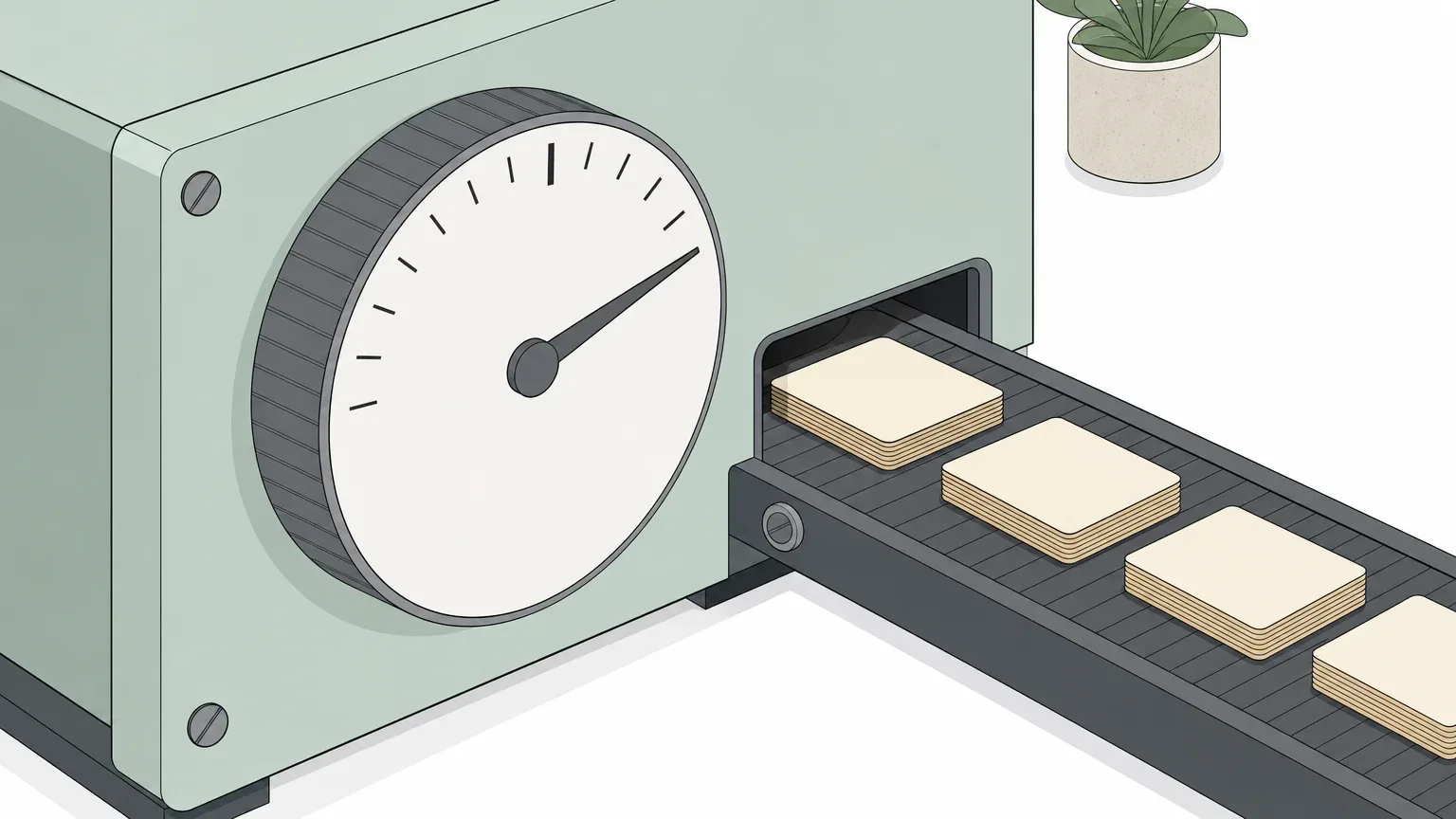
Because the forgetting curve is steep early and flat later, small changes to the target move the interval a lot. The numbers below come from the FSRS-6 forgetting curve as the project’s wiki publishes it, with the default curve shape, for one card with a stability of 10 days.
Days until the next review, for a card with a stability of 10 days
- Desired retention 80%33 days
- Desired retention 85%19 days
- Desired retention 90%10 days
- Desired retention 95%4 days
- Desired retention 97%2 days
Going from 90% to 95% cuts the gap by more than half. That is why the manual warns that above 90% the workload rises very quickly, and above 97% it can be overwhelming.
One card, two targets: a worked example
To see what the target costs over time, we ran one card through the FSRS-6 formulas with the default parameters. The card is answered Good on time at every review. Intervals are rounded to whole days, and nothing else is added.

| Review | Day it comes up at 90% | Day it comes up at 95% |
|---|---|---|
| 1st | day 2 | day 1 |
| 2nd | day 13 | day 4 |
| 3rd | day 59 | day 12 |
| 4th | day 222 | day 31 |
| 5th | day 719 | day 74 |
| 6th | day 163 |
At 90%, the card is seen three times in its first two months and four times in its first year. At 95%, it is seen four times in the first two months and seven in the first year: almost twice the work, for one card you never missed. Multiply that by a deck of 800 cards.
Real schedules will differ. The optimizer fits the parameters to your own history, a miss resets the climb, and difficult cards grow more slowly than this easy one. The shape holds, though: the higher the target, the closer together the reviews.
FSRS vs SM-2: what changed?
SM-2, Anki’s long-time default, gives every card an ease and multiplies the interval by it after each pass: with the default ease of 2.5, a 10-day gap becomes about 25 days. Your answers nudge the ease up or down, but the schedule is a rule, not a prediction of your memory.
FSRS predicts, which changes three things for a student.
- You choose the trade-off directly. Instead of tuning ease bonuses and graduating intervals, you set one number, the retention you want, and the intervals follow.
- Late reviews are handled sensibly. If you come back to a card days late and still recall it, FSRS treats that as strong evidence and lengthens the next interval, up to a limit.
- It learns from you. The optimizer fits the parameters to your review history with machine learning, rather than using one rule for everyone.
The prediction is testable, and the project tests it in public. Its benchmark trains each algorithm on older reviews and scores it on newer ones it has not seen, across 9,999 Anki collections and about 350 million reviews. Each FSRS version has scored better than the one before it on that test.
How do you turn on FSRS in Anki?
These steps follow the Anki manual.
- Update every device first. Anki 23.10 and AnkiMobile 23.10 support FSRS, as do AnkiWeb and AnkiDroid 2.17 or later. A client that does not support it will not schedule correctly.
- Open the deck options and find the FSRS section at the bottom. Switch it on. It applies to all presets at once.
- Keep learning and relearning steps under one day, such as 10m or 30m, so they finish on the same day.
- Press Optimize under the FSRS parameters. If Anki says the parameters already look optimal, that is fine.
- Choose your desired retention. Leave it at 90% unless you have a reason to move it.
- Grade honestly from now on, with Again for every miss.
If you need different targets for different subjects, create separate presets, or, in the latest version, set a retention per deck.
Which answer button should you press?
FSRS reads your four buttons as evidence, so what each one means matters more than it did under SM-2.
- Again: you did not recall it. This is the only button that counts as a lapse.
- Hard: you recalled it, but only with real effort or hesitation.
- Good: you recalled it normally.
- Easy: you recalled it instantly, without thinking.
The Anki manual is blunt about the one habit FSRS cannot adapt to: pressing Hard when you actually forgot. Hard counts as a success, so the card’s stability goes up, and every interval after it is scheduled too far out. If you have that habit, break it before you switch on FSRS.
The same goes for marking a card you “sort of knew” as Good. Honest grades are what make the schedule fit your memory, the same rule that makes active recall work: try the answer first, then judge it without kindness.
What desired retention should a student use?
For most students, 90%. It is the default because it balances how much you remember against how many reviews you do, and the Anki manual suggests staying below 97%.
Two cases justify moving it. If an exam is close and every card has to be ready on one date, a higher target for that deck makes sense for those weeks, at the cost of more reviews per day. A finals plan that starts early needs less of this, because the gaps can stay long. If your daily review count is more than you can keep up with, a lower target, such as 85%, is better than skipped days.
To decide with your own numbers, Anki has a simulator called Help Me Decide that shows your reviews per day at each retention level. The question to ask is the one the manual puts: do you want to study this much more to remember this much more?
Some apps make this choice for you around a date. Memrize, for example, raises its target when you give a deck an exam date.
Common FSRS mistakes
- Pressing Hard for a miss. It is the one habit the manual says FSRS cannot adapt to. Use Again.
- Editing or copying parameters. The manual says not to change them by hand or copy them from someone else. They describe one person’s memory.
- Learning steps of a day or more. The manual does not recommend them with FSRS. Keep steps short enough to finish the same day.
- Mixing in scheduling add-ons. If an add-on changes intervals, it should not be used with FSRS.
- Chasing 99%. Each extra point near the top costs more reviews than the last. A target you cannot keep up with turns into a backlog.
- Judging it in the first week. The optimizer fits your parameters from your review history, so it has little to learn from until you have one.
FSRS in Memrize
We make Memrize, so weigh this section accordingly. This is what the app does, not a claim about your grades. How we write these guides is on our About page.
Memrize schedules every review with FSRS-6 through ts-fsrs, an implementation from the same open-spaced-repetition project. You do not set it up. You give the app your material, photos of your notes, a PDF, slides or a lecture recording, and it writes the cards.
 12
 2
 340
 Plus

Day 13 awaits
Review
Cell biology
10 cards · 2 min · 3 more due in other decks
Daily quests
120 of 150 XP · 1/3 done

 15

Answer 20 cards
Finish 2 sessions

Get 5 right in a row
Your decks
See all
Cell biology
8 due · 64% mastered

Spanish verbs
120 cards · 41% mastered


- The target is 90% recall. Set an exam date on a deck and it aims for 95% until then, keeps every interval inside the exam day, and paces new cards so each one is met by the day before.
- Your first answer to a card in a session sets its next date, even if the card comes back again later in the same session.
- Sessions start with due reviews, then add new cards, in sessions of 5, 10 or 20 cards.
- A card counts as mastered once it would be remembered for three weeks.
The free plan keeps three decks at a time. Plus lifts the limits.
Sources
- Ye, J., Su, J., and Cao, Y. (2022). A stochastic shortest path algorithm for optimizing spaced repetition scheduling. Proceedings of the 28th ACM SIGKDD Conference on Knowledge Discovery and Data Mining, 4381–4390.
- Su, J., Ye, J., Nie, L., Cao, Y., and Chen, Y. (2023). Optimizing spaced repetition schedule by capturing the dynamics of memory. IEEE Transactions on Knowledge and Data Engineering, 35, 10085–10097.
- Anki Manual. Deck options: FSRS. Read 16 November 2026.
- open-spaced-repetition. ABC of FSRS. Wiki, read 16 November 2026.
- open-spaced-repetition. The Algorithm. Wiki, read 16 November 2026. Source of the FSRS-6 formulas and default parameters used in the worked example.
- open-spaced-repetition. SRS Benchmark. Read 16 November 2026.
Questions students ask
Is FSRS better than SM-2?
The Anki manual says FSRS can help you remember more material in the same amount of time, because it estimates how likely you are to forget each card and schedules from that. SM-2 grows each interval by an ease multiplier instead. FSRS also gives you one clear setting, desired retention, in place of several ease options.
What desired retention should I use in FSRS?
Start at the default of 90%. The Anki manual says workload rises very quickly above 90% and suggests staying under 97%. Raise it for a deck only when an exam is close and you can afford more daily reviews, and lower it if you cannot keep up.
Should I press Hard or Again in FSRS when I forget a card?
Again. FSRS counts Hard as a successful recall made with effort, so pressing it for a card you forgot makes the scheduler think the memory is stronger than it is, and every later interval for that card comes out too long.